Find out why OnlyFans is not verifying you
Start with the message in your account. A rejection usually says which part failed, and that tells you where to look.
| Message or symptom | What it usually means | What to do |
|---|---|---|
| Document rejected | Photo unreadable, cut off, glare, or ID expired | Retake on a dark flat surface, all corners visible, valid ID |
| Selfie does not match | Light, angle, filters or a much older ID photo | Front facing light, no filters, face fully in frame |
| Details do not match | Name or date of birth differ from the ID | Correct the account details to match the document exactly |
| Payout rejected | Bank account not in your legal name | Use an account in the same name as your ID |
| Pending for days | Manual review | Wait, then contact support with your username |
| Camera will not open | Browser permission or another app using it | Allow camera, close video call apps, reload |
When OnlyFans ID verification is not working
The document step fails more than any other. These habits fix most cases:
- Use the original physical ID, never a scan, a screenshot or a photo of a screen.
- Place it on a plain dark surface so the edges stand out, and keep all four corners in the frame.
- Turn off the flash and tilt slightly away from lamps to remove glare on the laminate.
- Check the expiry date. An expired passport or license is a common silent reason for rejection.
- If your document has a back side with a barcode, photograph both sides when asked.
- Use the same document type you selected in the form.
For more on what the document check looks for, read OnlyFans ID verification.
When the selfie or face check fails
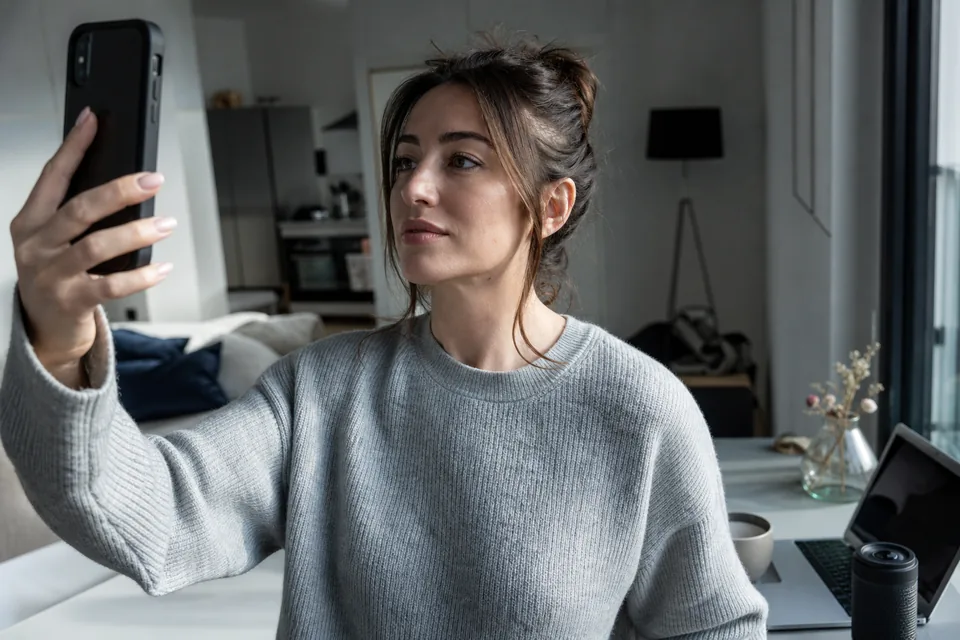
The selfie confirms that the person on the account is the person on the ID. It fails when the camera cannot see your face clearly. Face a window or a lamp, take off glasses with reflections, hats and beauty filters, hold the phone at eye level and keep still. If your ID photo is many years old, a clear, well lit selfie helps the comparison. Our page on OnlyFans face verification explains the selfie step in more detail.
When it is time to contact OnlyFans support
Stop retrying and contact OnlyFans support through its help center when the review has been pending for a long time, when a valid document keeps being rejected, or when you passed and are asked again. Give your username, your device and browser and the exact message you see.
Be careful with anyone who messages you first claiming to be support or offering to verify your account for a fee. That is a scam pattern, and real support does not ask for payment. Never use someone else's ID or edited images. There is no workaround for identity checks, and trying one ends with a closed account.
How OnlyEighteen makes verification clear for creators
OnlyEighteen treats verification as the core of the product, so the creator flow is built to be done right the first time.
- You build your verified page preview on the home page before you sign up, so you see the verification steps for your country in advance.
- You sign up with email and password and confirm with a code from email.
- You pass a government ID check and a live selfie from your phone camera. Your profile goes public only after identity approval.
- If others appear in your content, each gets an invite link, passes their own ID and live selfie check and signs a consent for each release. The platform keeps these as 2257 records.
Your documents are used for verification and legal records only. Fans never see them, and your profile shows only your creator name. Once your identity is verified you can request payouts to the methods available in your country.
Fans are verified too, before the first purchase, everywhere. That is why OnlyEighteen exists: a platform where every creator, partner and fan is a proven adult. See how it works, the safety page, or the general guide to OnlyFans verification.
Frequently asked questions
Why is my OnlyFans verification not working?
Most often the ID photo is unreadable or expired, the selfie is poorly lit, or your account details do not match the document. Fix those and retry.
How long can OnlyFans verification stay pending?
It varies with the review queue. If nothing changes for several days, contact OnlyFans support through its help center with your username.
Can I use a different ID if one is rejected?
Usually yes, if it is a valid government photo ID in your own name. Choose the matching document type in the form.
Why does OnlyFans say my details do not match?
Your legal name or date of birth on the account differ from the ID. Edit them to match the document exactly.
Does OnlyEighteen verify creators the same way?
It uses a government ID and a live selfie for creators, and also verifies every co-performer and every fan, so everyone on the platform is a proven adult.
See your verification steps before you sign up
Build your verified page preview and check what your country needs.